HumanAnatomyUsingAR

Understanding Human Anatomy in Augmented Reality

Description
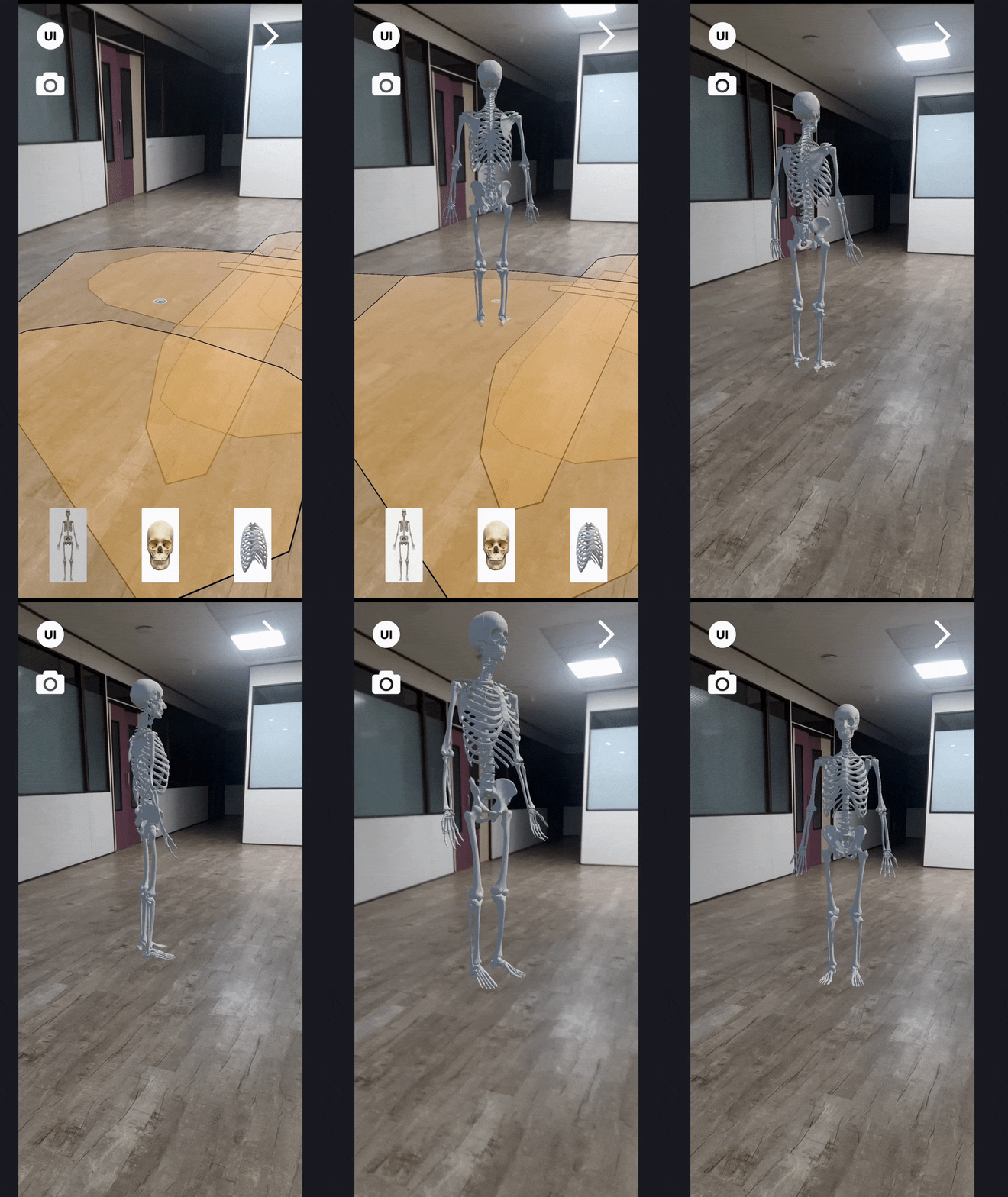
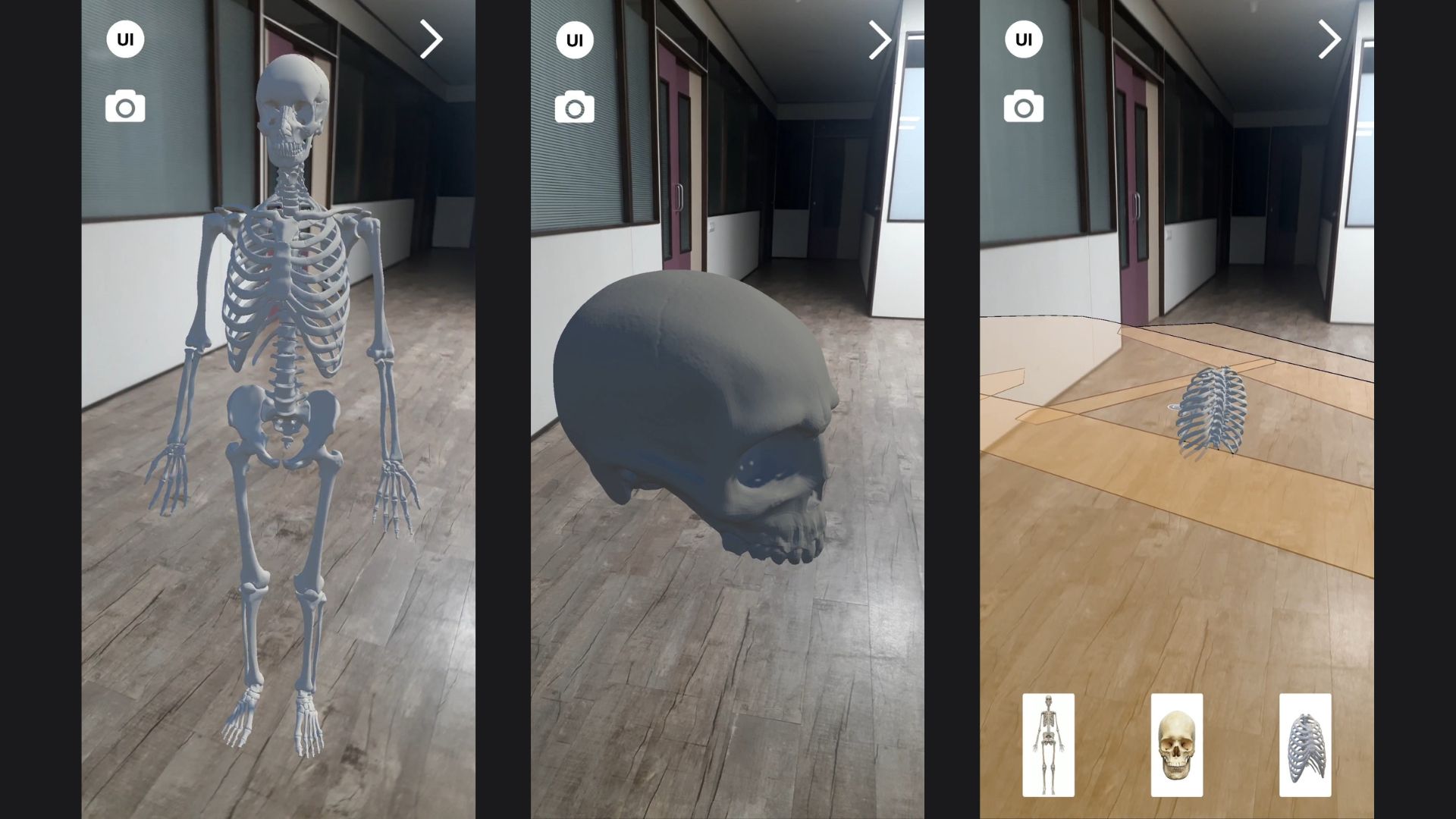
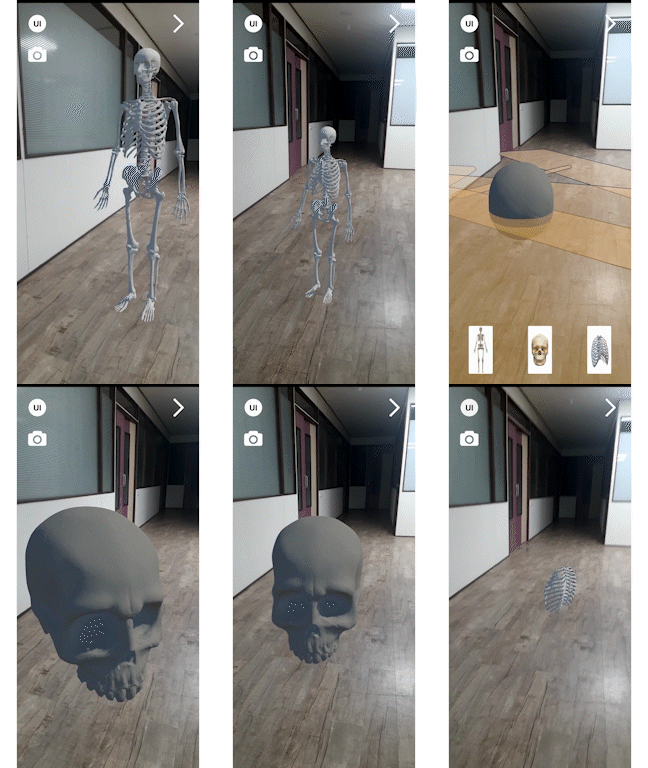
Human Anatomy using AR (Augmented Reality) provides a unique approach to learning human anatomy by using AR technology to create an immersive experience. With this project, users can visualize and interact with human organs, bones, and muscles in 3D, which enhances their understanding of human anatomy.
The project includes a variety of features such as a 3D model of the human body that can be explored from different angles, the ability to view individual organs in detail, and interactive quizzes to test your knowledge. Additionally, users can customize their learning experience by choosing to view different systems of the body, such as the nervous system, cardiovascular system, and more.
Features
- Animated Augmetned human models
- Visualize the model in 3D environment
- Rotate, Scale & Move
- Glow in the dark
- Social media sharing
-
Realistic Lighting with actual shadows
In short
- Improved user immersion in AR by implementing real-time light adaptation and dynamic shadow rendering at 60 FPS using OpenGL ES graphics, supporting API 24 on Android 7, with compatibility for over 97.4% of devices.
- Features 360° rotation, 200% zoom scaling, and real-time object repositioning for an intuitive learning experience.
Key Highlights
- Unity 3D
- Android Application
- AR Foundation
- XR Development
- AR CORE + AR Kit
Related
Here are some related projects
Car in Augmented Reality
Earth in Augmented Reality
Installation and Usage
To use Human Anatomy in AR, users need to have an AR-CORE enabled device such as an iPhone or ipad or any other andrid device.
ARCore is designed to work on a wide variety of qualified Android phones running Android 7.0 (Nougat) and later. A full list of all supported devices is available here..
The Android devices listed here support ARCore via Google Play Services for AR, which enables augmented reality (AR) experiences built with an ARCore SDK, if the following conditions are met:
The device originally shipped with the Google Play Store
The device is running the minimum Android version listed in table below If no version is listed, the device must be running Android 7.0 or newer
“AR Optional” apps must declare minSdkVersion ≥ 19 (API Level 19)
“AR Required” apps must declare minSdkVersion ≥ 24 (API Level 24)
ARCore is supported on over 400 million Android devices, although this number may have increased since then. It’s important to note that not all Android devices are capable of running ARCore due to hardware limitations, and the number of ARCore-compatible devices may vary depending on factors such as location and carrier.
Demo
Navigate to the link to download the APK file of the project: click here .
Navigate to the YouTube demo link of the project: click here .
Project Pictures
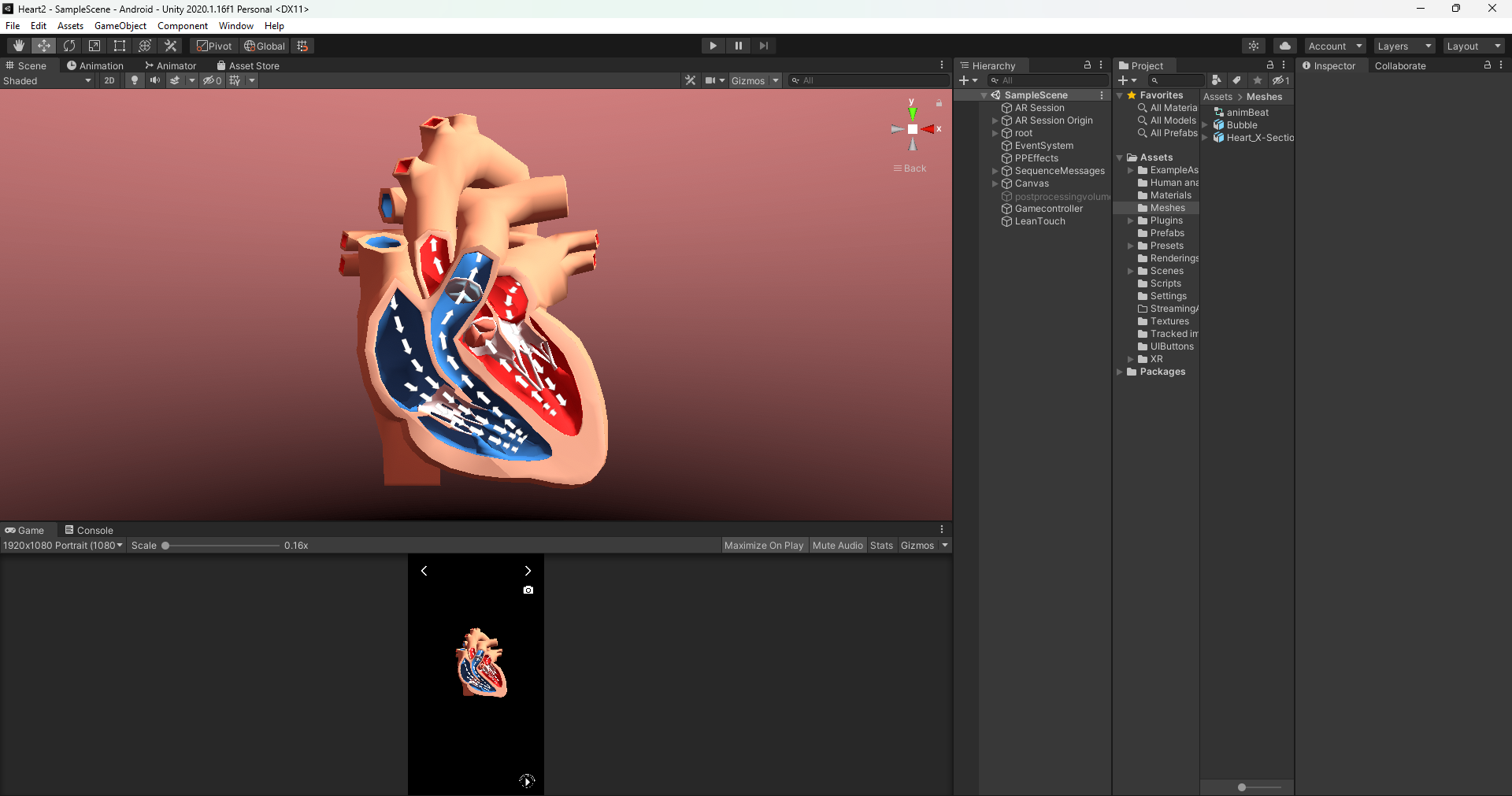
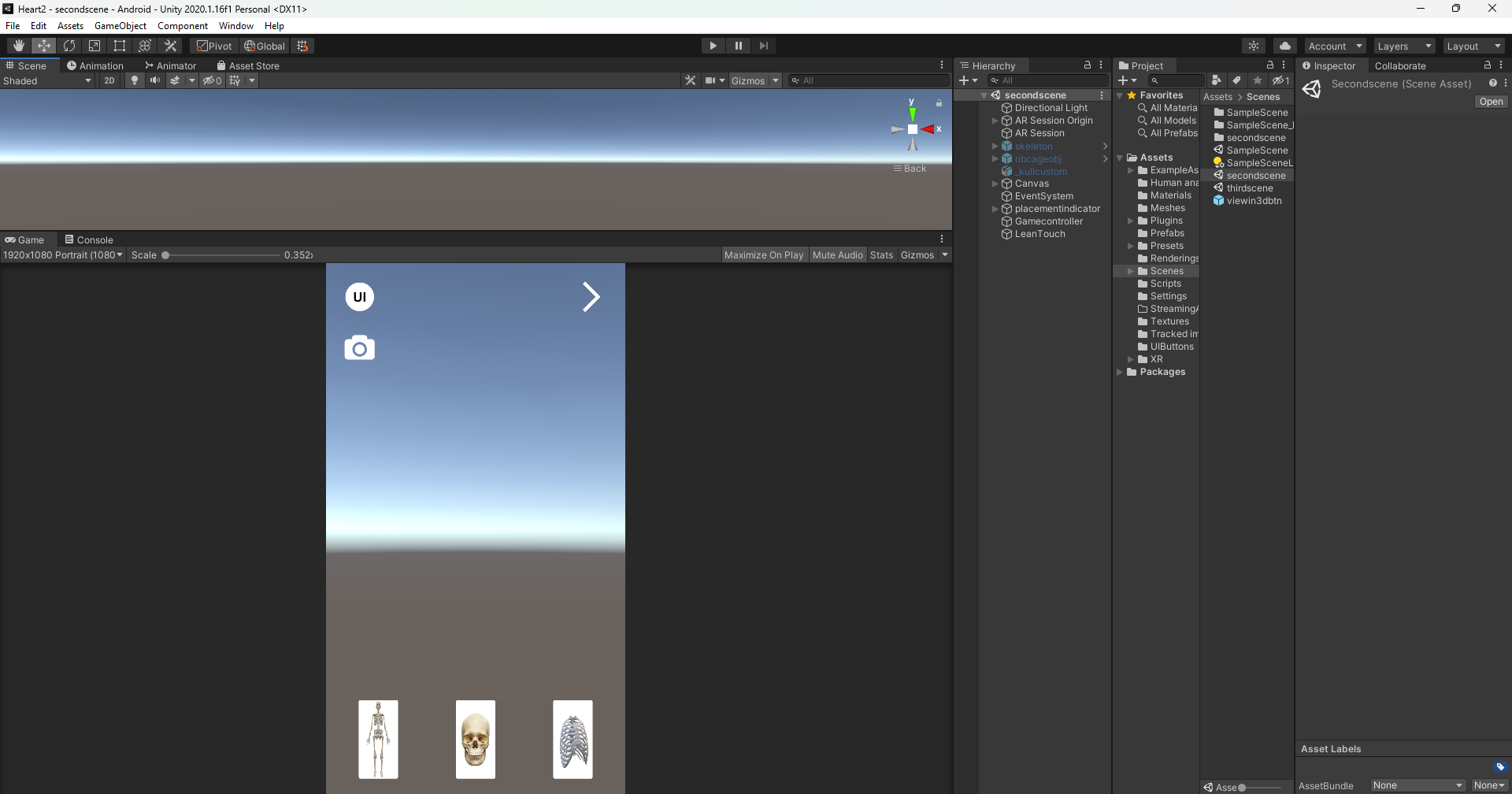
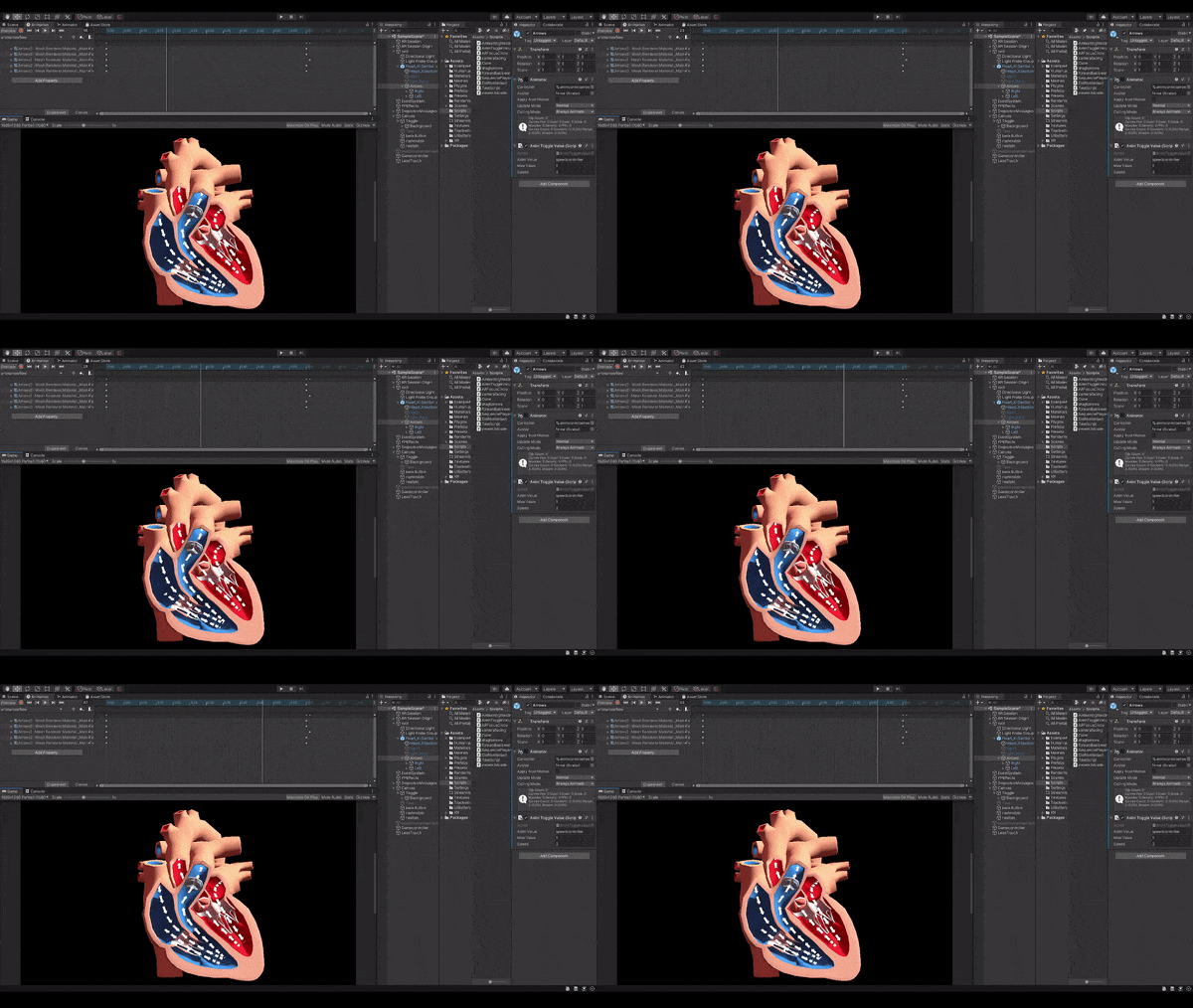
Animated Heart Visualiser
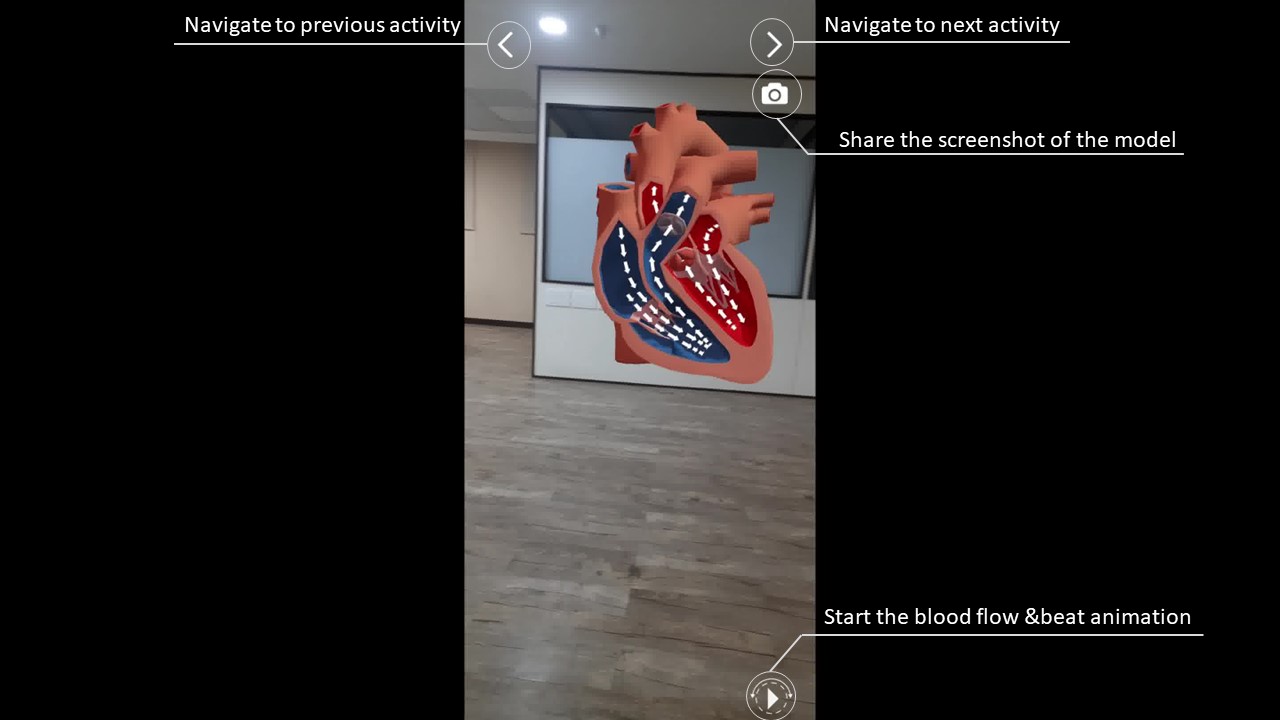
## Screenshots
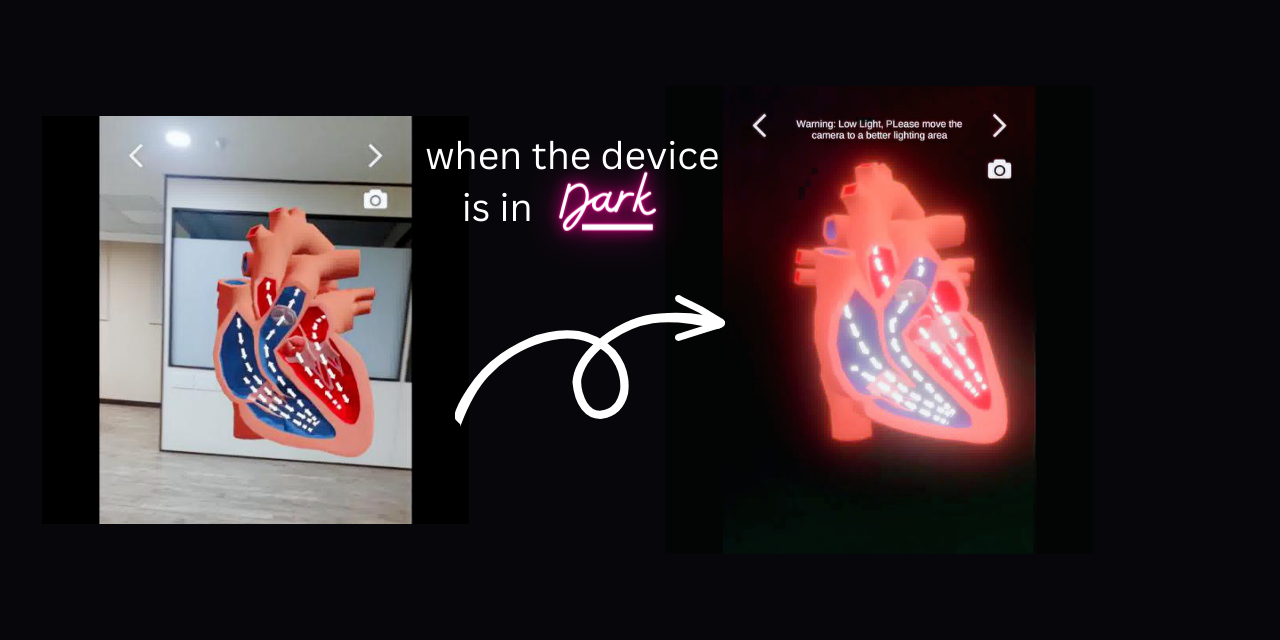
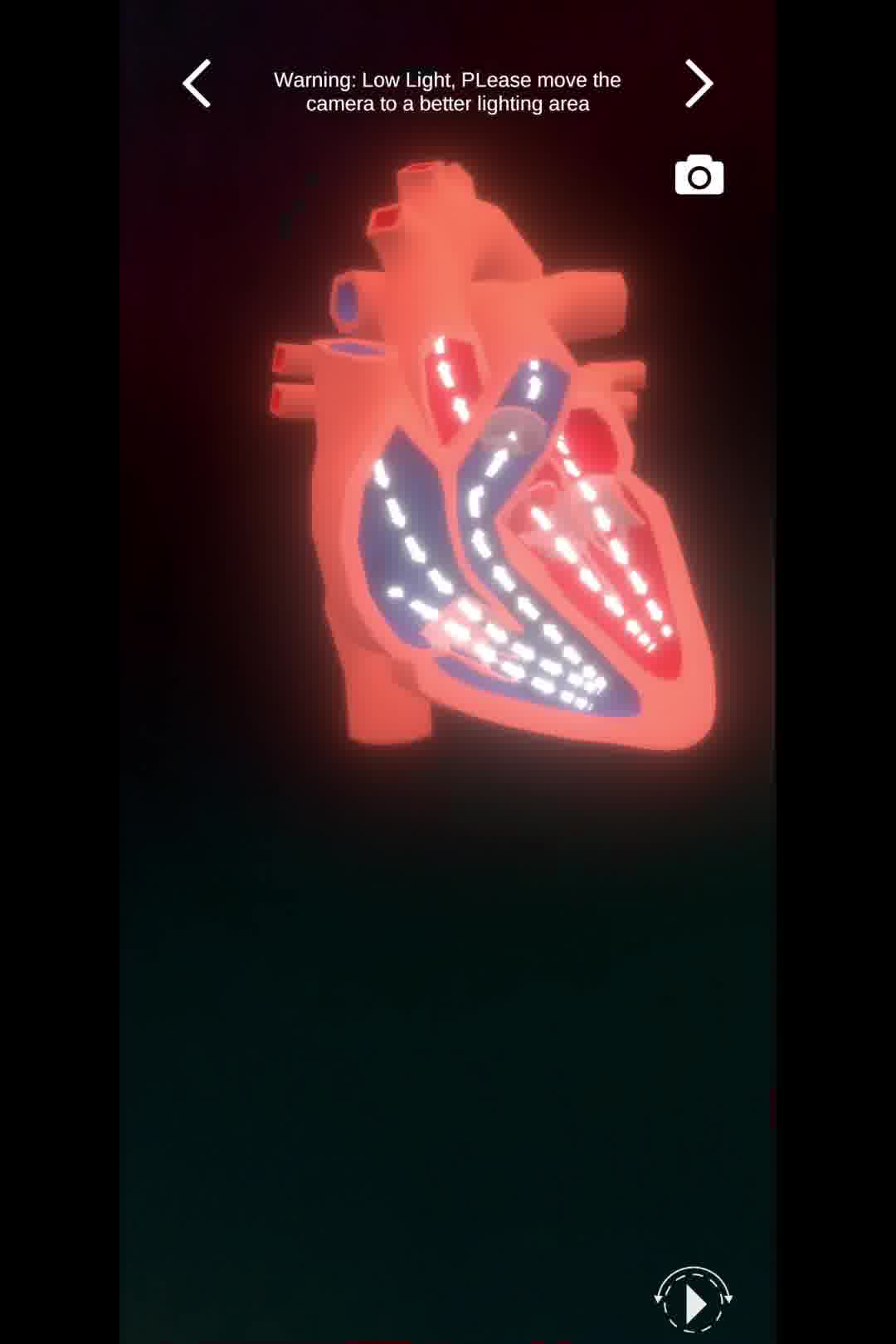
On entering the dark room, a warning message will appear indicating that the lighting condition is low and suggesting to move to an area with better lighting. Additionally, the 3D model of the heat source will illuminate, presenting a futuristic and adaptable characteristic to the 3D models.
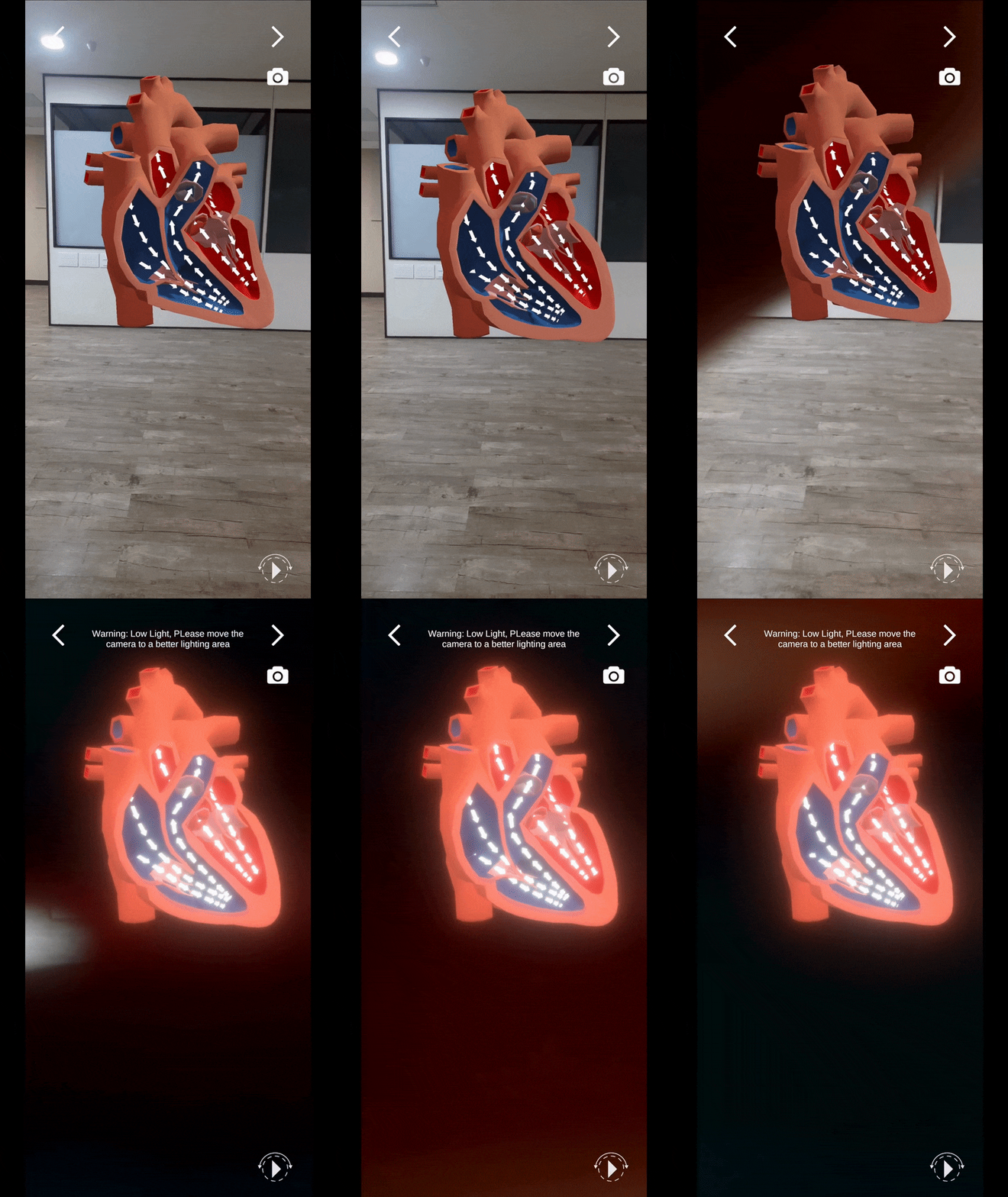
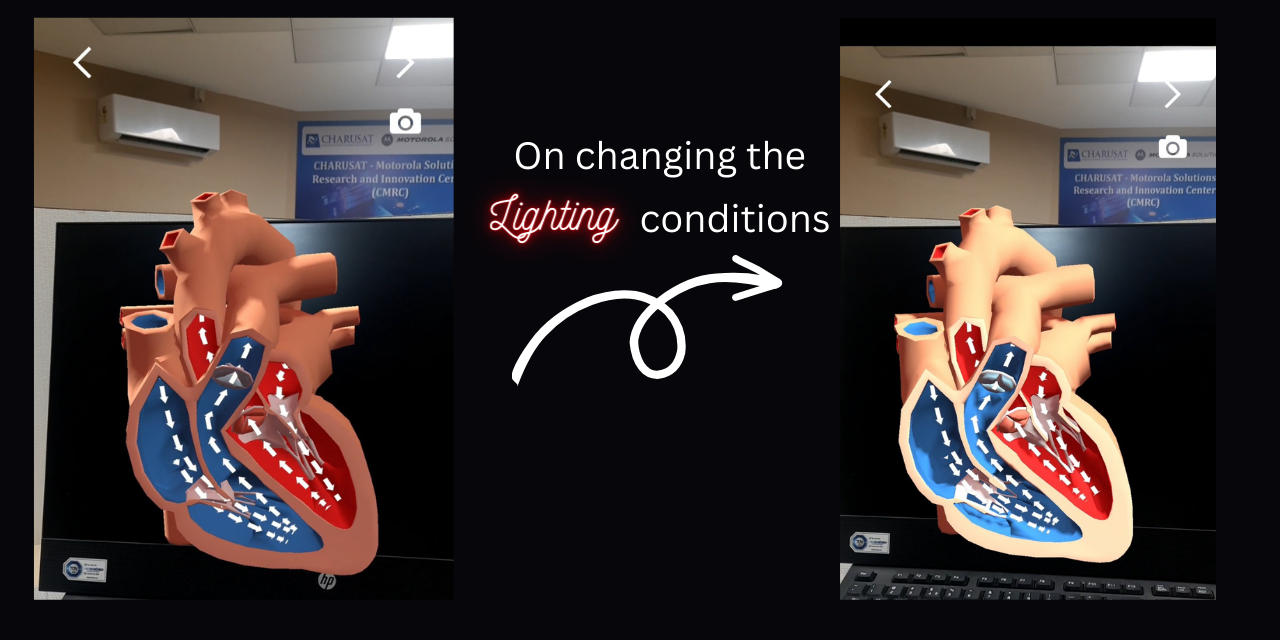
The 3D models are designed to be responsive and dynamic, adapting to changes in lighting conditions and adjusting their brightness, texture, and overall appearance to create a realistic impression. Furthermore, the models process shadows to enhance the realism, giving the impression that the models are present in the physical environment.
https://user-images.githubusercontent.com/75428863/232238233-388abae4-9ae5-4c5c-a3be-86e4f6ab44e5.mp4
FAQ
Is it compatible to all Mobile Devices?
No it is only compatible with minimum API level 24 (Android 7). Also the smartphone should support AR Core supported devices list. Click here to check the compatibility.
What to do if the phone is not supported AR Core?
You will not be able to see the demo. The sample demo is provided here.Try to install the apk file with some other device in which it supports AR Core.